
Full Feature Library // Capabilities Organized Around Customer Outcomes
Find the capability that solves the customer problem in front of you.
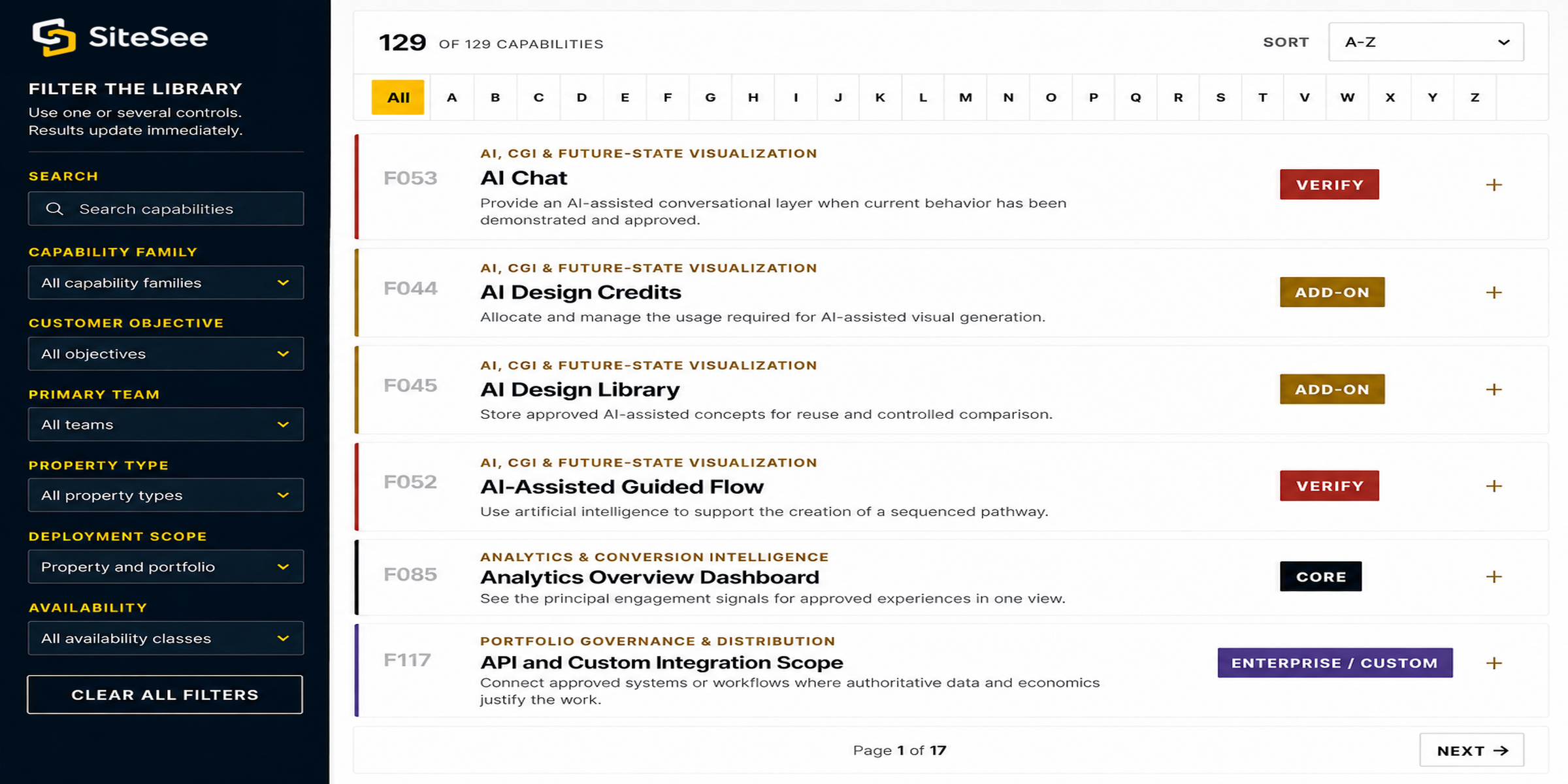
The Major Features page explains the platform through eight customer outcomes. This library documents the individual controls beneath those outcomes so you can search by decision, team, property type, deployment scope and verified availability.
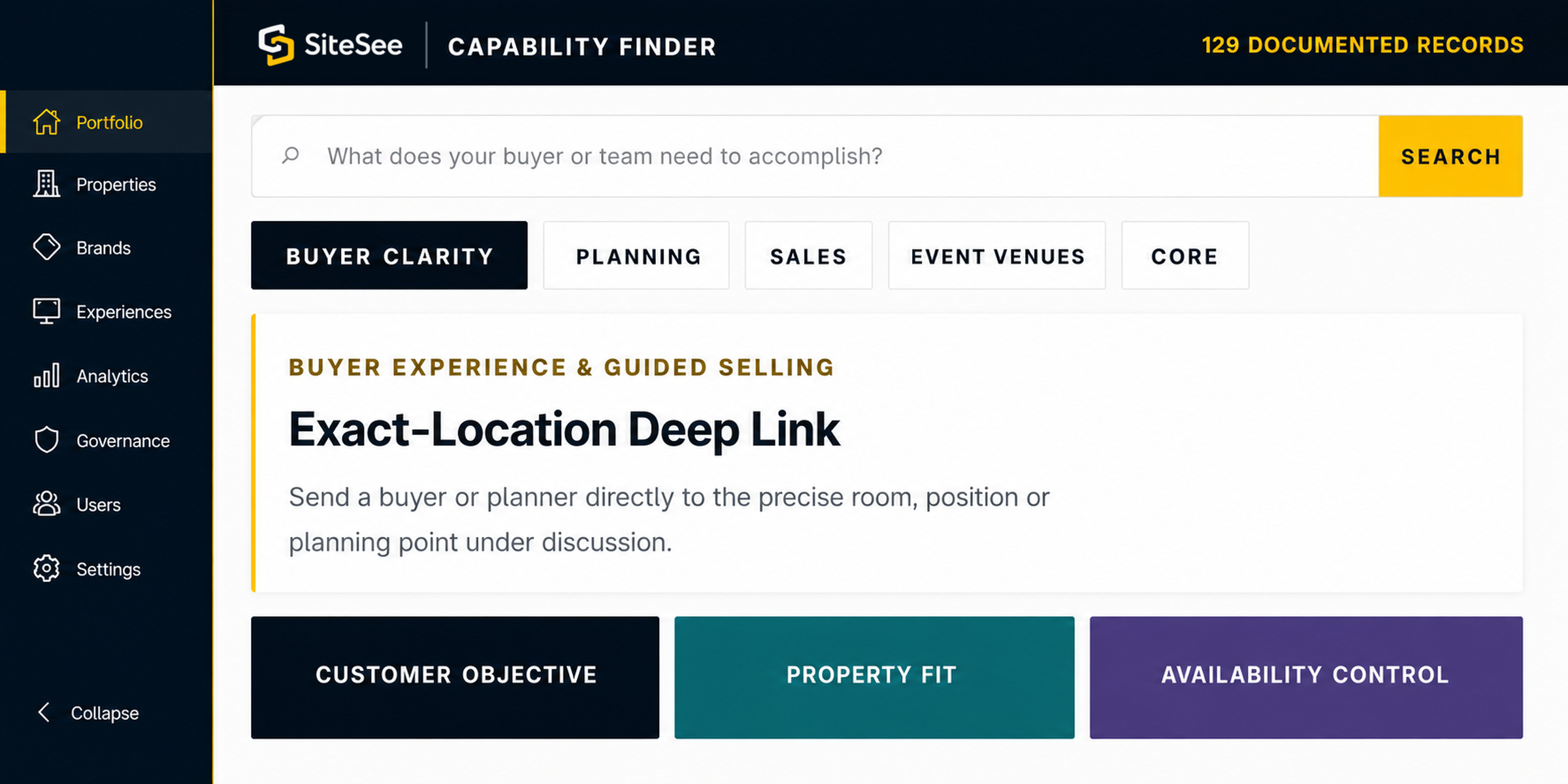
SiteSee Capability Finder129 documented records
⌕What does your buyer or team need to accomplish?Search
Buyer clarityPlanningSalesEvent venuesCore
Buyer Experience & Guided Selling
FExact-Location Deep Link
Send a buyer or planner directly to the precise room, position or planning point under discussion.
Customer objectiveProperty fitAvailability control
Find the capabilities that match your objective
Start with the outcome you need—even if you do not know the feature name.
The library is intentionally deeper than the sales narrative. It helps customers, implementation teams and internal stakeholders inspect the platform without turning the website into a feature dump.
Begin with the customer objective.
Choose buyer clarity, planning, collaboration, analytics, governance or onsite guidance before narrowing to a named capability.
Confirm the environment and audience.
Filter by team, property type and property-level or portfolio-level use so the result remains commercially relevant.
Confirm what is available, configurable or separately scoped.
Every record shows whether it is core, plan-dependent, an add-on, enterprise/custom, verification-required or legacy-supported.
Capability Scope & Accuracy
Know what your team can use now and what needs a defined scope.
Plan configuration, add-on allocation, enterprise agreements, custom development and current account behavior affect availability. SiteSee confirms the active requirement before a capability becomes part of a customer commitment.
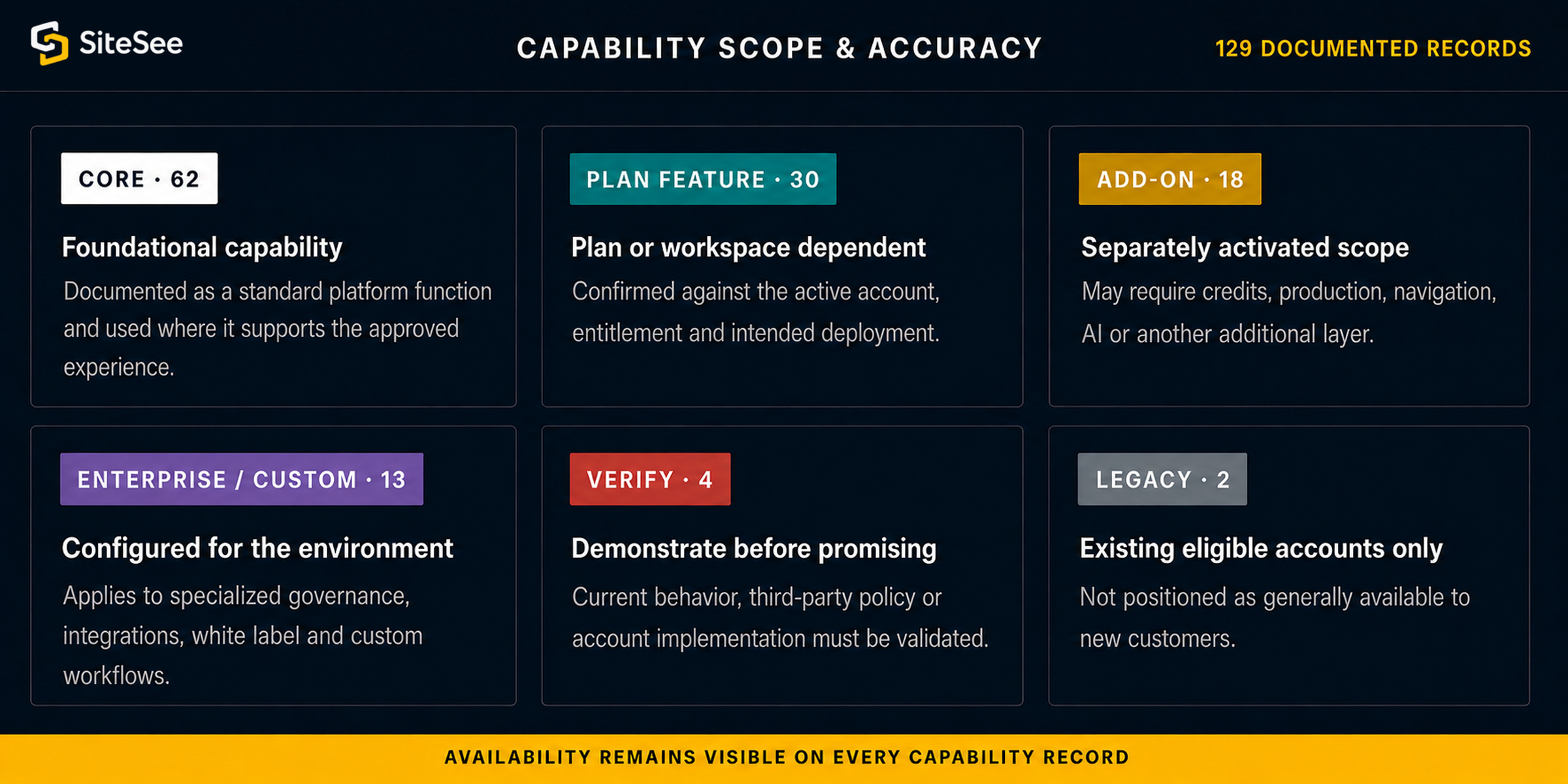
Documented as a standard platform function and used where it supports the approved experience.
Confirmed against the active account, entitlement and intended deployment.
May require credits, production, navigation, AI or another additional layer.
Applies to specialized governance, integrations, white label and custom workflows.
Current behavior, third-party policy or account implementation must be validated.
Not positioned as generally available to new customers.
Four Accuracy Boundaries
Context creates value. Authority and verification protect it.
Several capabilities become commercially useful only when the property supplies current data, grants appropriate access and confirms how the information may be shown. The library keeps those limits visible instead of hiding them in implementation language.
Measurements are preliminary.
Final rigging, capacity, life safety, accessibility, exhibit and production decisions require approved drawings and professional verification.
Authoritative data must be connected.
Rates, availability, inventory, orders, schedules and operational conditions require an approved system of record and scoped integration.
External content must permit display.
Booking, RFP, seating and other third-party pages can be embedded only when their current policies and technical controls allow it.
Tracking requires governance.
Forms, analytics, cookies, pixels, notes and user activity must follow applicable law, contract requirements, consent rules and brand policy.
From Library to the Right Deployment
You do not need 129 capabilities. Start with the smallest set that improves a decision your team already needs to make.
Begin with the property, buyer journey, planning question or operating condition you need to improve. SiteSee can then connect the relevant capabilities, confirm their availability and define a practical implementation path.