Discuss Your Property // Begin with the decision

Start with the property decision buyers find hardest to make.

The first SiteSee conversation is not a generic software demonstration. It begins with the property, the people making the decision, the spaces they need to understand, and the point where the current sales or planning process leaves too much to interpretation.
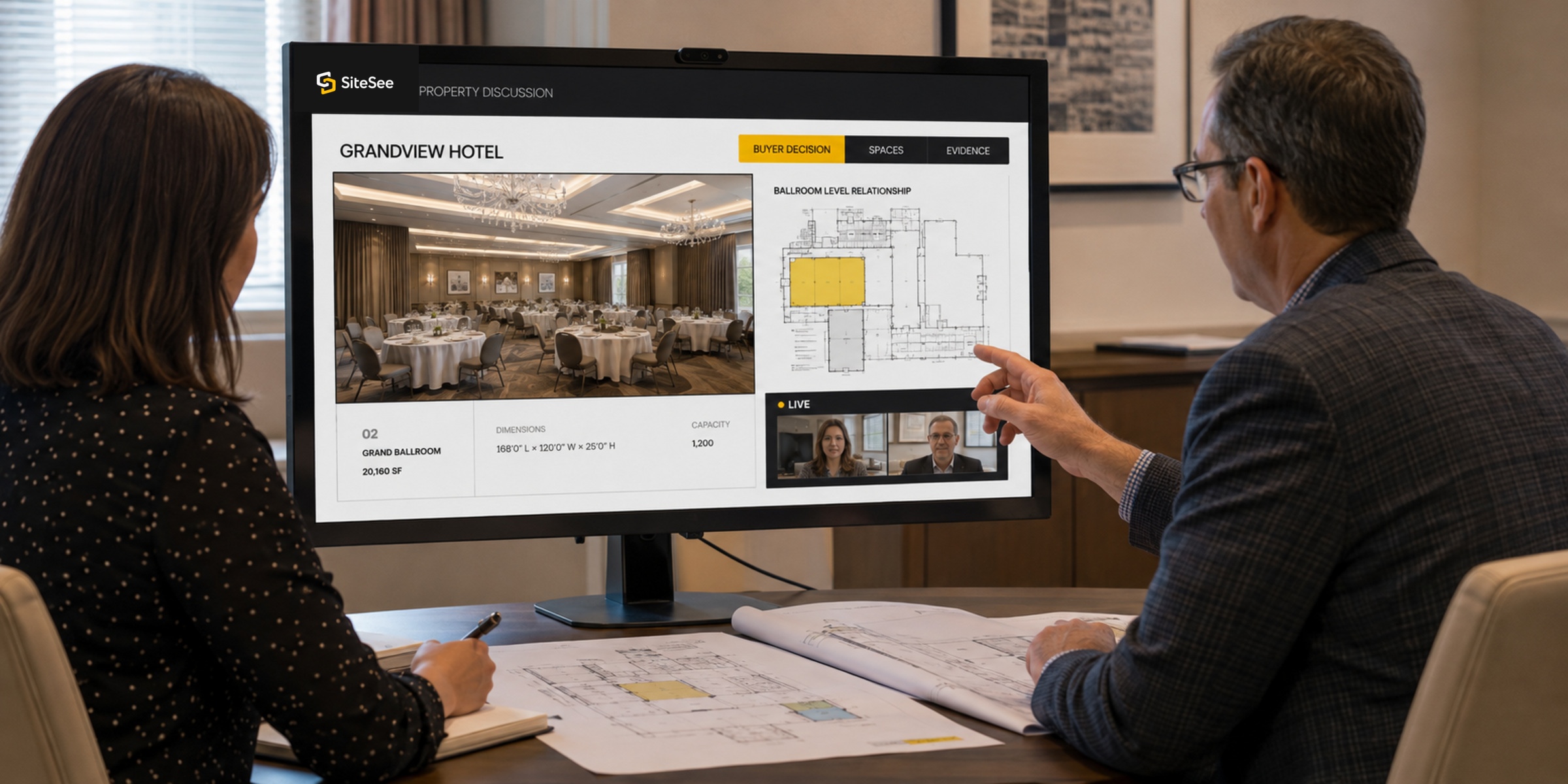
Property FirstBuyer DecisionRequired EvidenceRight Starting Scope
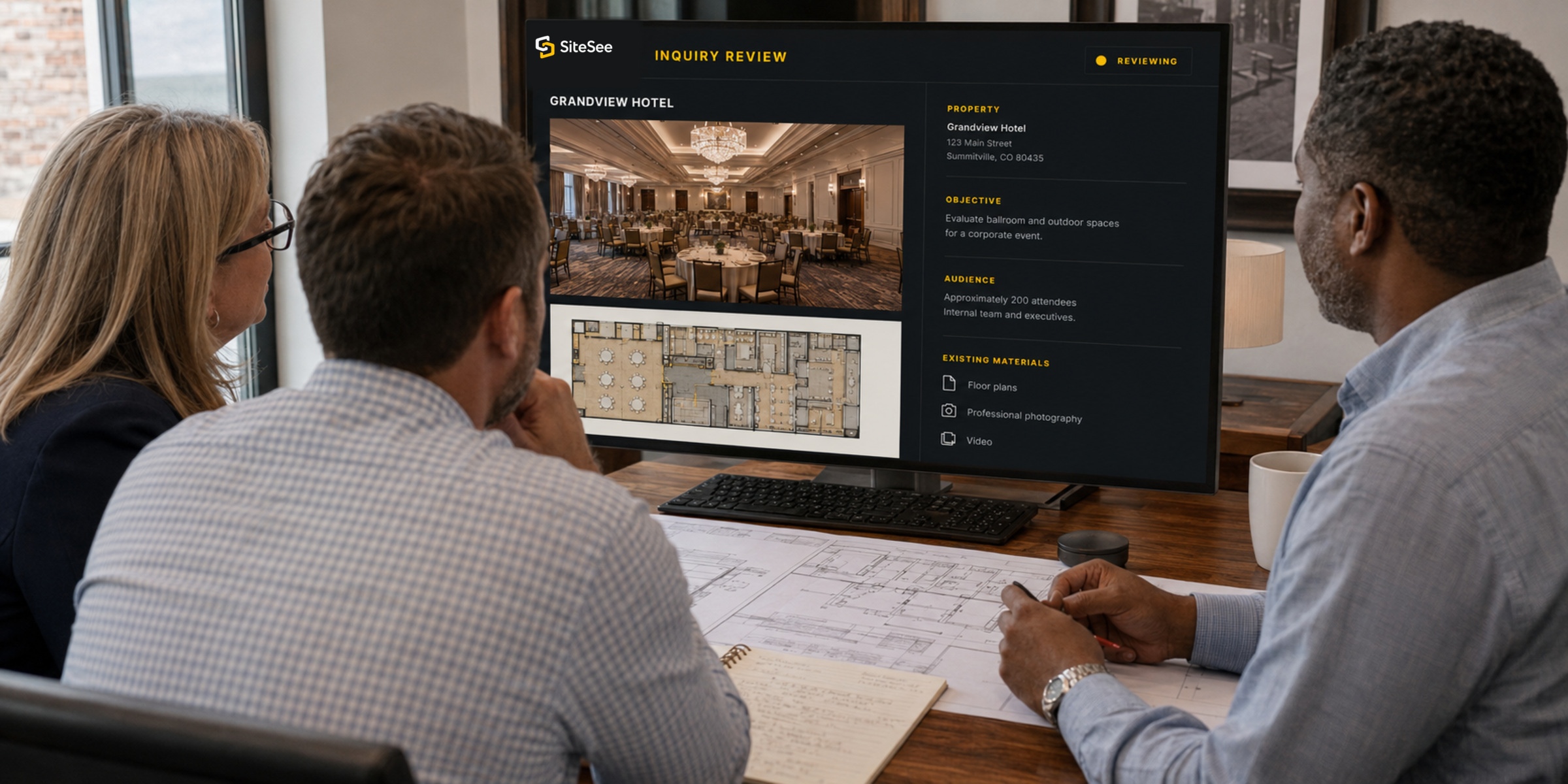
SiteSee inquiry Review Over Shoulder
Property Discussion FrameworkFOUR QUESTIONS01 / 04
Start here What must become easier to understand?

The property discussion begins with the customer decision, not a list of platform features.
01The propertyWhich spaces and relationships influence the decision?
02The audienceWho needs to understand, compare, validate or approve?
03The evidenceWhat must they see, review, share or confirm?
04The starting scopeWhat can the organization use, support and evaluate?
Customer resultA focused property conversation instead of an abstract software pitch.
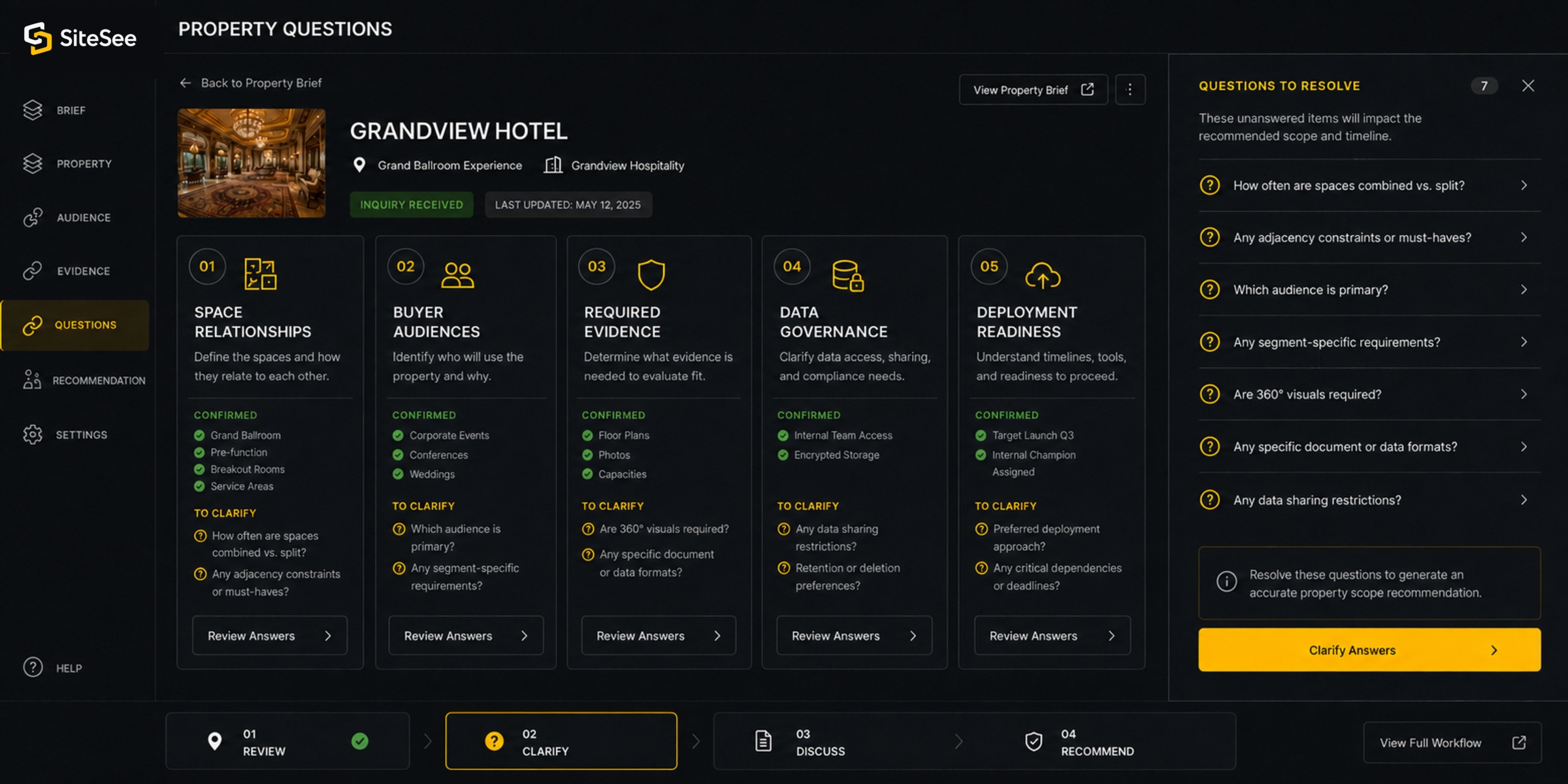
SiteSee property Questions UI
01DecisionWhat needs to become clearer?
02AudienceWho is trying to evaluate the property?
03EvidenceWhat are they currently left to imagine?
04ScopeWhat is the most useful place to begin?

Begin with your property, not our feature list

The first conversation should clarify the problem before anyone recommends a solution.

SiteSee can support selling, preliminary planning, stakeholder alignment, future-state visualization, portfolio governance, buyer intelligence, onsite navigation and protected operational guidance. The first conversation determines which of those capabilities matter to the customer and which do not.

You do not need to understand immersive capture, AI, CGI, analytics architecture or SiteSee terminology before contacting us. Bring the property, the buyer question and whatever material already exists.

See the complete implementation process
SiteSee property Discussion Over Shoulder
What the first conversation coversPROPERTY TO RECOMMENDATION
01
Property and audienceUnderstand the place and the people making the decision.Property type, spaces, buyer groups, sales uses, planning needs and internal stakeholders.
02
Current conditionIdentify where understanding becomes fragmented.Websites, photographs, floor plans, proposals, diagrams, scans, media, verbal explanations and existing workflows.
03
Required evidenceDefine what buyers or teams must be able to see and do.Explore, compare, measure, visualize, share, collaborate, inquire, navigate or review engagement.
04
Starting scopeRecommend a controlled pilot, full-property deployment or portfolio program.The recommendation follows the business question, property condition, team readiness and implementation requirements.
Operating standardIf SiteSee is not appropriate for the property or objective, the responsible answer is to say so.

Property Brief

Share the property, audience and decision context so the conversation can begin with relevance.

The form is designed around the customer’s property and decision. Complete only what is known. The unanswered questions can become part of the discussion.
01
About youWho should SiteSee speak with?
02
About the propertyWhat place or portfolio are we discussing?
03
The decisionWhat must buyers or teams understand better?
Who needs to understand the property?
04
Starting pointWhat already exists, and what happens next?
Available property materials

Your email application will open from the prepared link after review. Nothing is sent until you press Send.

What happens after the inquiry

The right next step depends on the property, the decision and who needs to be involved.

SiteSee reviews the submitted context before the conversation so the meeting can focus on the customer’s property, buyers, current materials, implementation responsibilities and most useful starting scope.

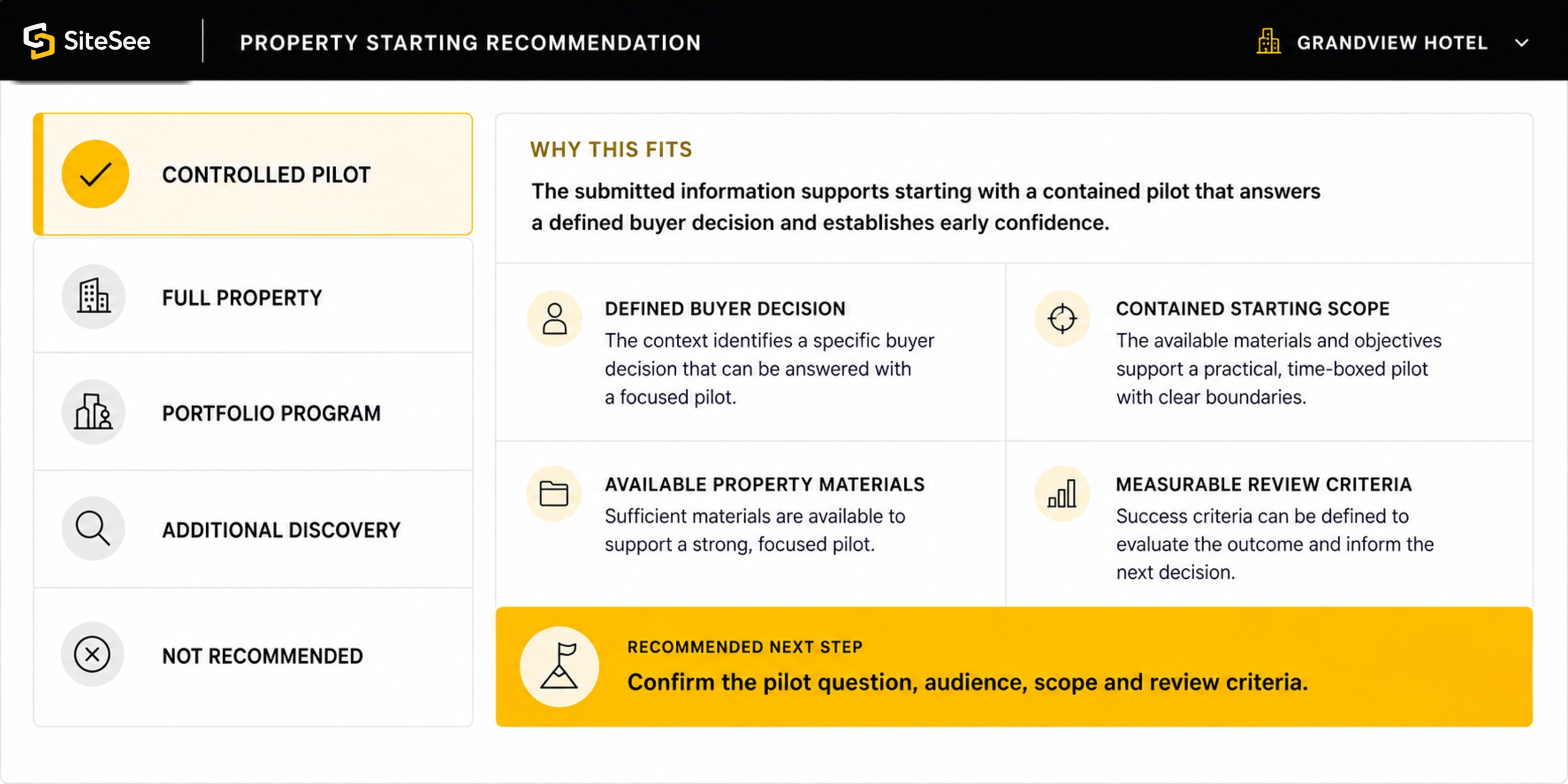
SiteSee starting Recommendation UI
01
ReviewWe review the property and stated objective.The website, property type, existing materials and customer question establish the starting context.
02
ClarifyWe identify the questions that must be answered.Unknowns may include space relationships, buyer audiences, production needs, data sources, governance or deployment readiness.
03
DiscussWe hold a focused property conversation.Relevant platform capabilities are shown in context rather than presented as a generic product inventory.
04
RecommendWe define the most responsible next step.The outcome may be a pilot, full-property scope, portfolio program, additional discovery or a clear decision that SiteSee is not the right fit.

Bring what you have

You do not need a finished technical brief before the first conversation.

Existing property material can help SiteSee understand the current condition, but incomplete materials should not prevent the discussion.

01Property websiteThe current public explanation of the property.
02Floor plans or diagramsAny approved orientation, capacity or planning information.
03Photography or videoExisting media, rights information and obvious content gaps.
04Existing spatial captureAny current 3D or 360-degree assets available for quality and rights review.
05Sales or RFP materialsExamples of how the property is currently explained and shared.
06Brand or portfolio standardsRequirements that should repeat and areas that must remain property-specific.

Questions before the first conversation

Direct answers, before you contact us.

The property discussion does not require technical fluency or a predetermined SiteSee package.

Do I need to understand immersive technology, AI or spatial capture?

No. The conversation begins with what the property needs buyers, planners or teams to understand. SiteSee then identifies the relevant production and platform capabilities.

Do we need existing 3D content before contacting SiteSee?

No. SiteSee can plan new spatial capture and related production. Existing assets may be reviewed for quality, rights, completeness and suitability, but they are not assumed to be reusable.

Can we discuss a renovation, proposed space or pre-opening property?

Yes. Approved photography, plans, CGI, animation, AI-assisted staging and future-state visualization may help explain conditions that do not yet exist. Proposed conditions must remain clearly labeled and professionally reviewed.

Can one inquiry cover several properties?

Yes. Management companies, brands and ownership groups can begin with the portfolio need, the properties involved, the standards that should repeat and the information that must remain locally controlled.

Will the first meeting be a generic platform demonstration?

No. Product capabilities may be shown, but only in relation to the property, audience, decision, evidence and implementation questions identified during the discussion.

How is the information submitted through this website handled?

The property brief is prepared for your review before it is sent. SiteSee uses the information to respond to your inquiry, prepare for a property discussion and recommend an appropriate next step. Review the Privacy Policy for details.

Show More. Decide Faster.

Start with the property decision that needs to become clearer.

SiteSee will help determine what buyers need to understand, what the property must provide, which capabilities matter and what starting scope the organization can use and support.